

Select Data
Choose the supported data types to include in the active migration, understand path-specific availability, and review required dependencies.
Select Data
Section titled “Select Data”Use Select Data in the Configuration step to choose which supported data types participate in the migration. The choices shown depend on the active Source-to-Target path.
Select the data
Section titled “Select the data”-
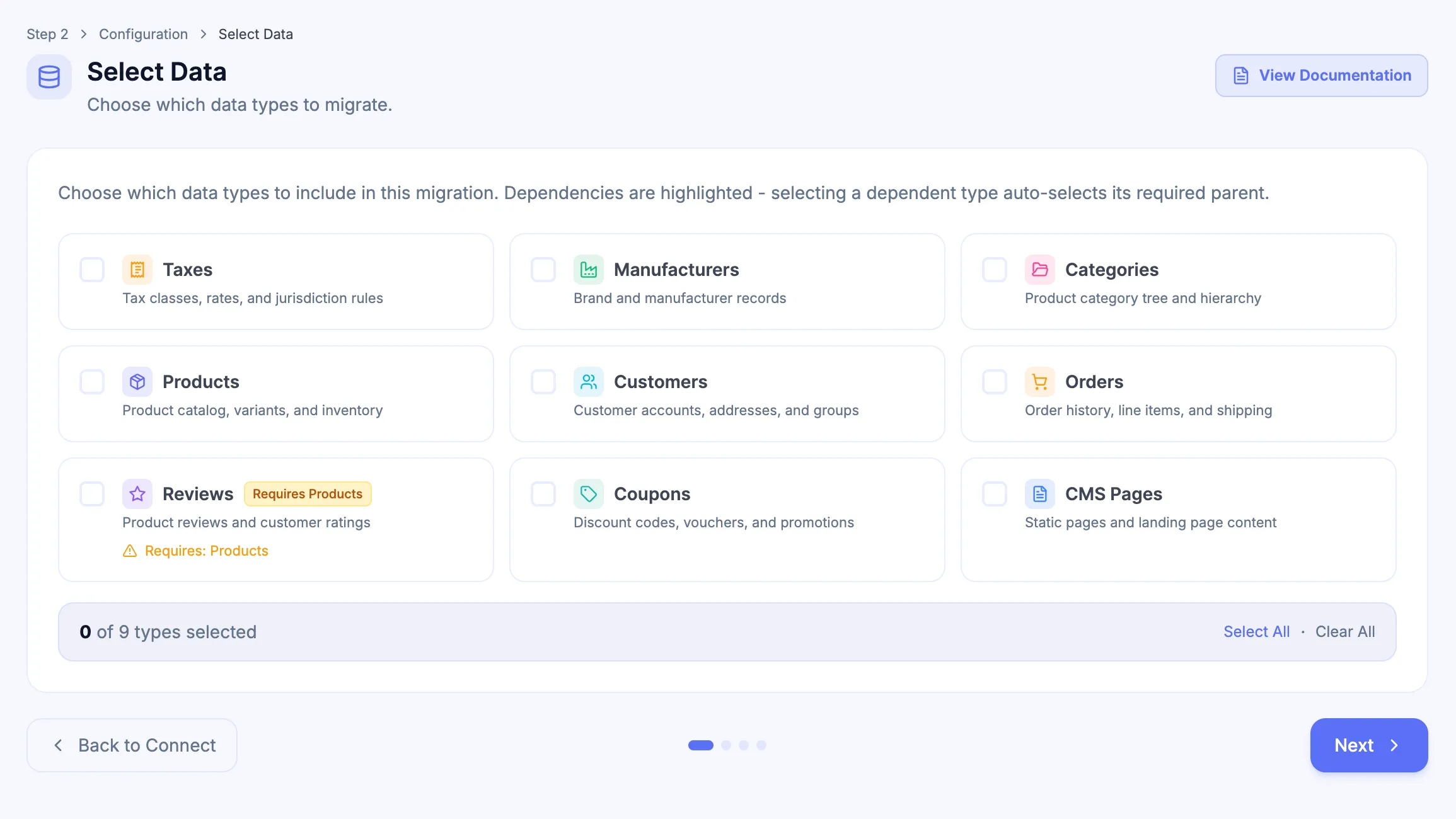
Review the data types available for the active migration and any dependency notices.
-
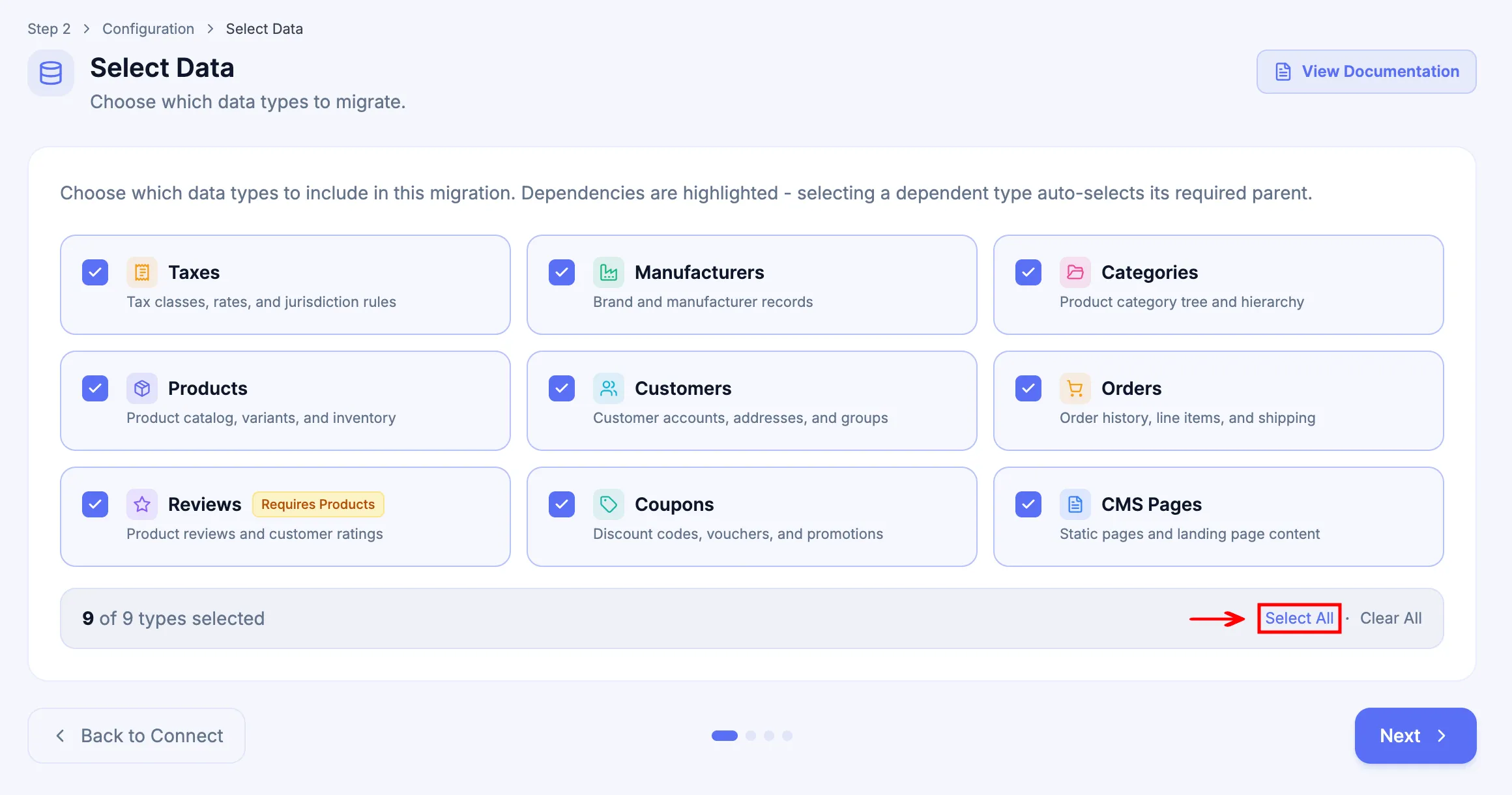
Select the required data types. Use Select All when every available type is required, or Clear All to reset the selection.
-
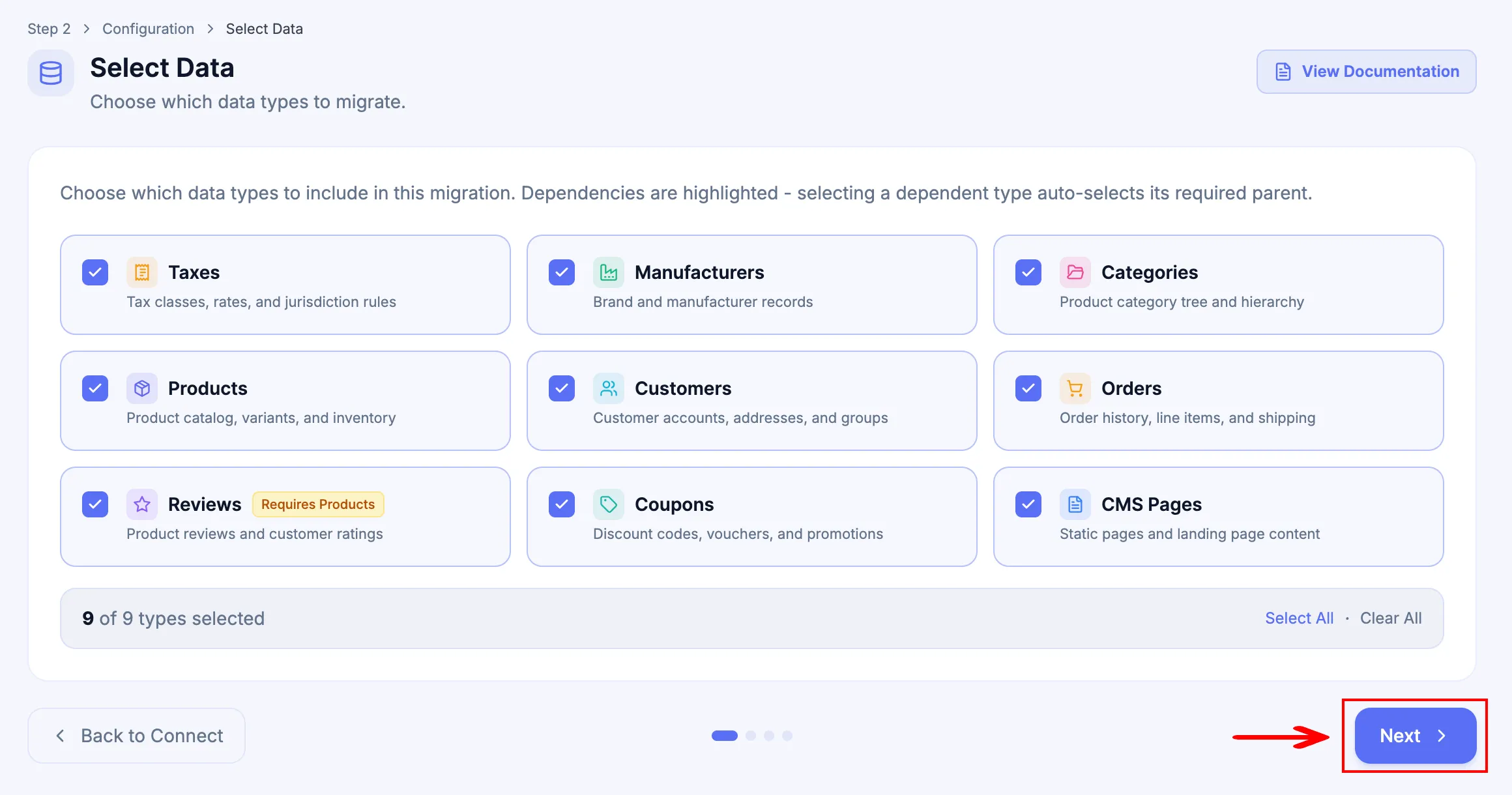
Confirm any data type selected automatically as a dependency, then click Next when the scope is correct.
Availability and dependencies
Section titled “Availability and dependencies”Path-specific applies to both Full Migration and Demo Migration: a data type is selectable only when the active Source Platform, Target Platform, and migration path support it.
| Data type | Full Migration | Demo Migration |
|---|---|---|
| Taxes | Path-specific | Path-specific |
| Manufacturers | Path-specific | Path-specific |
| Categories | Path-specific | Path-specific |
| Products | Path-specific | Path-specific |
| Customers | Path-specific | Path-specific |
| Orders | Path-specific | Path-specific |
| Reviews | Path-specific | Not included |
| Coupons | Path-specific | Not included |
| CMS Pages | Path-specific | Path-specific |
| Blog Posts | Path-specific | Path-specific |
Some selected data types require parent data. When Next-Cart selects a dependency automatically, keep it selected unless the resulting scope has been reviewed and the dependent data type is also removed.
Include or exclude whole data types
Section titled “Include or exclude whole data types”Select Data includes or excludes whole supported data types. If a selected data type should migrate only some records, keep the data type selected and use Data Filter when that Add-on is included and supports the required field-level condition.
For Data Update, select the supported update fields in the Add-on and review any ordinary new-record migration scope separately. Selecting data types alone does not configure an existing-field refresh.
What to verify
Section titled “What to verify”Before continuing, confirm that every required data type is selected and every automatically selected dependency is intentional. A data type appearing in Select Data confirms path-level availability; it does not guarantee that every source field or relationship has a direct target equivalent.
Next Steps
Section titled “Next Steps”Continue to Additional Options to review migration and platform-specific processing options. Use Back to Connect when the platform connection must be changed first.